Encounters
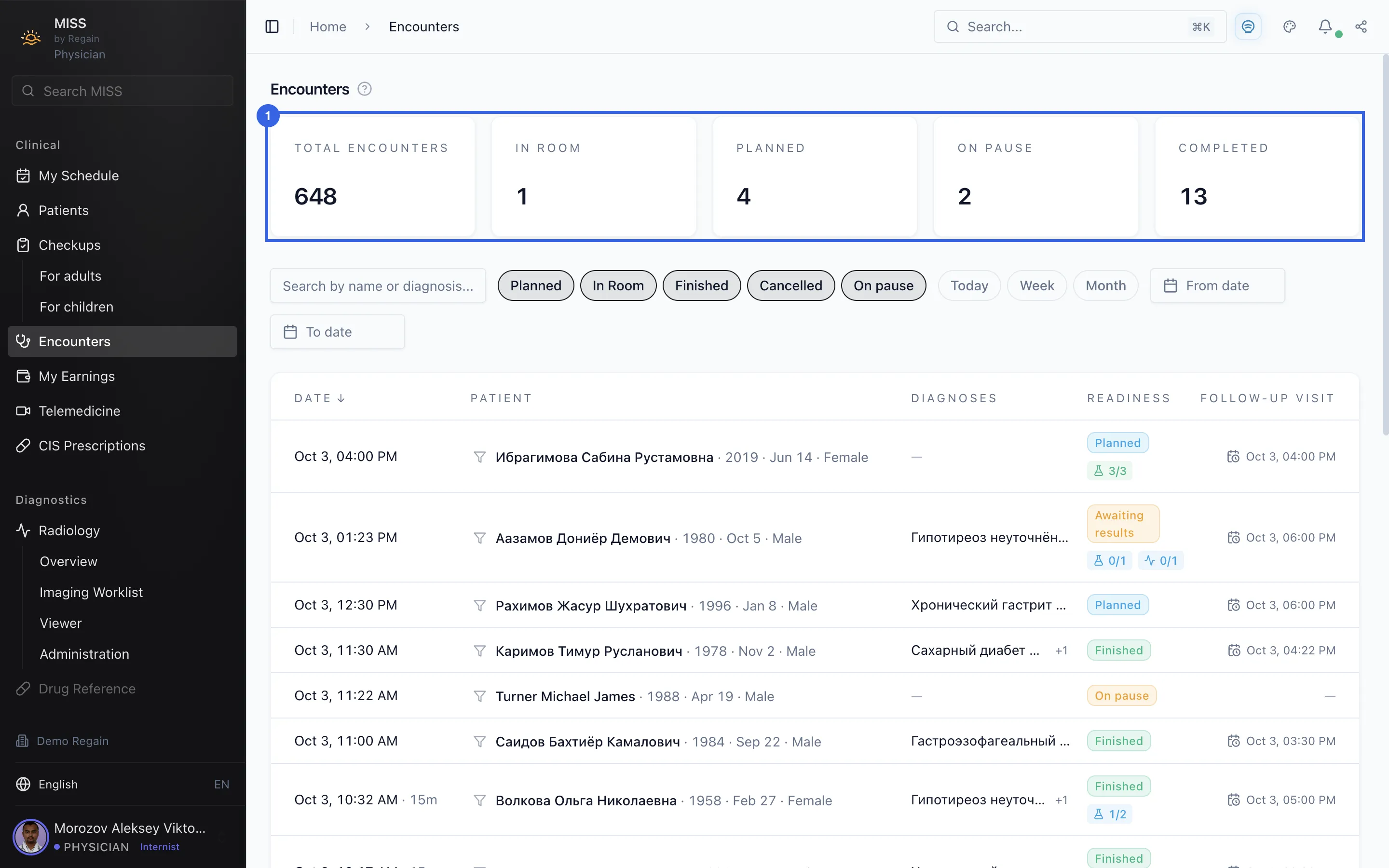
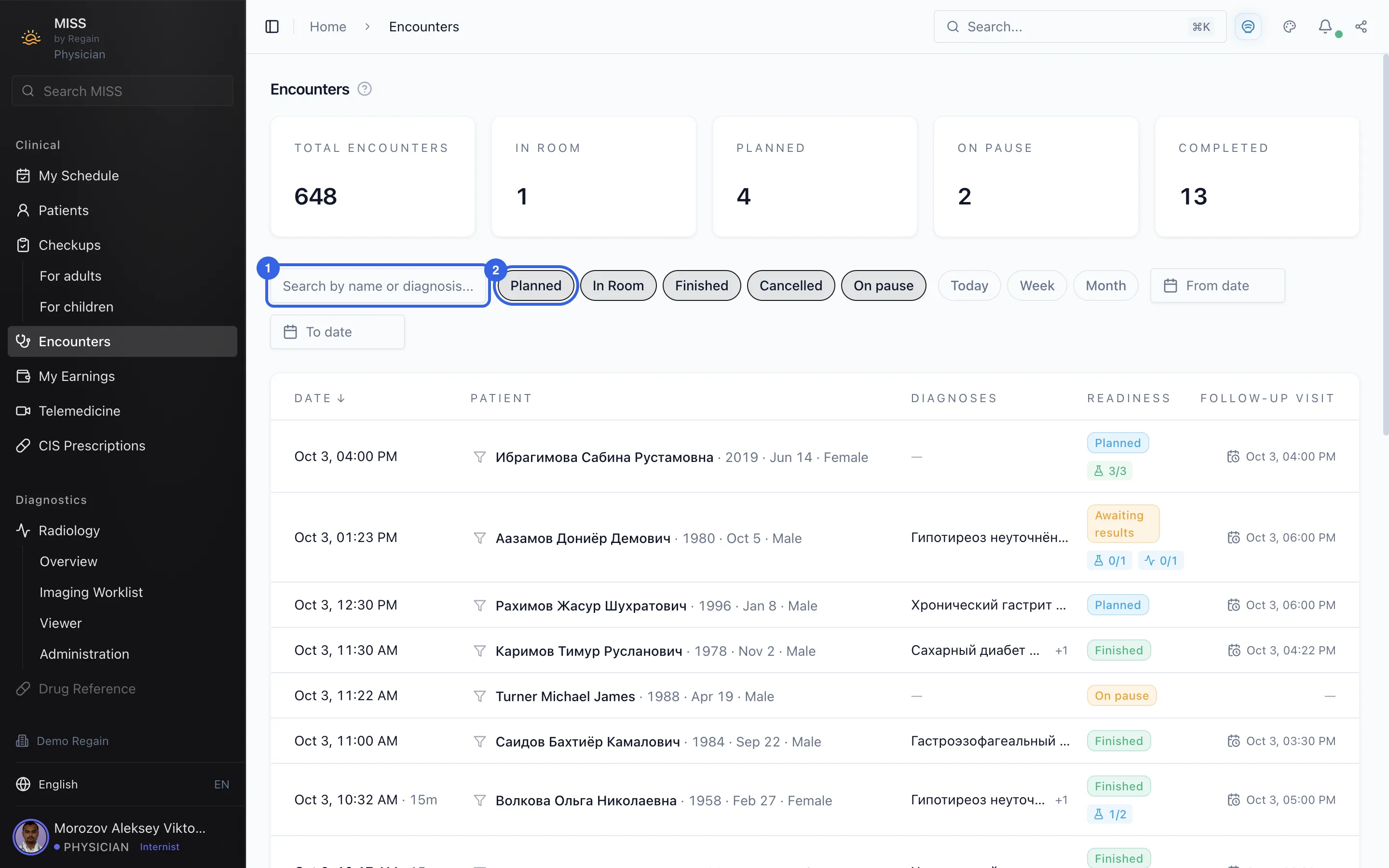
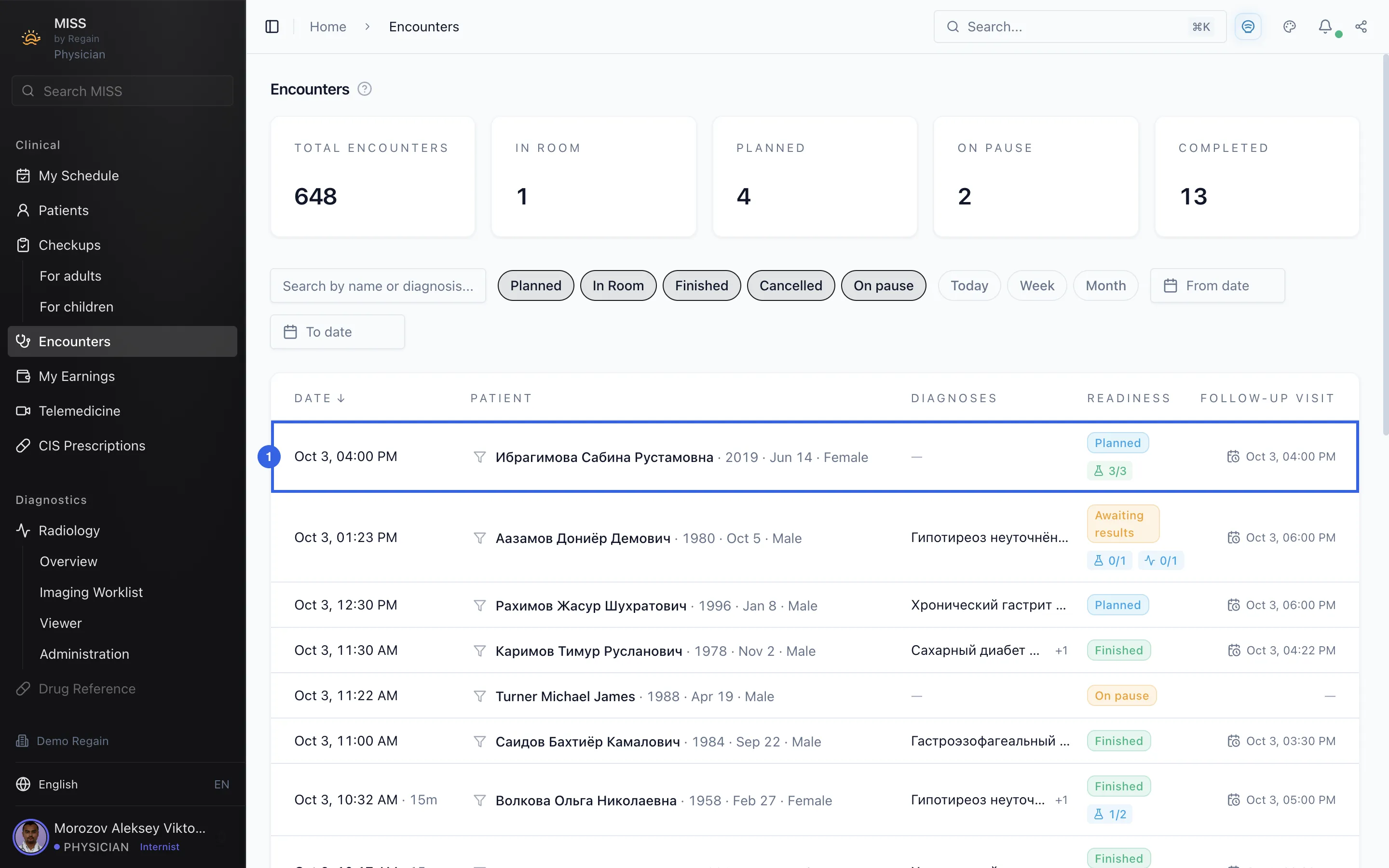
Look through the clinic's encounters: the totals at the top, a search box, status buttons and a list with one row per encounter.
The Encounters page lists the encounters recorded in the clinic.
- Open Encounters in the side menu.
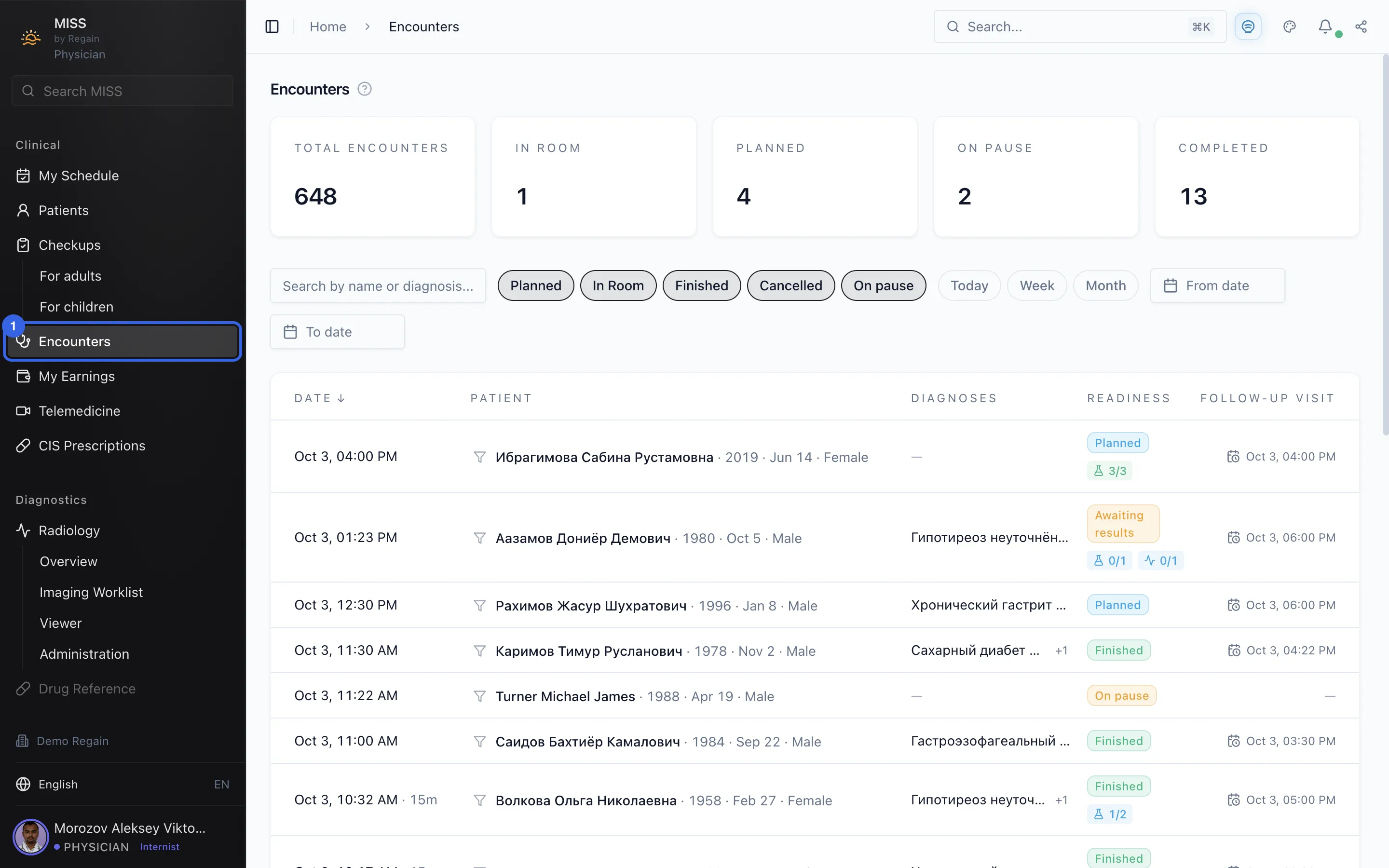
1 - The tiles at the top are labelled Total encounters, In room, Planned, On pause and Completed, each with a number.
2 - At the top are a search box with the hint "Search by name or diagnosis" (1) and status buttons such as Planned (2). Next to them are the Today, Week and Month buttons and the From date and To date fields.
3 - Each row is one encounter: its date, the patient, the diagnoses, its readiness and the follow-up visit. The newest encounters are at the top.
4
Screenshots captured on 2026-10-03