Calls
Browse the call journal: the tabs, the period and filters, and what each row shows.
The Calls page is the call journal. At the top right are three links: My callback tasks, KPI dashboard and Live supervisor.
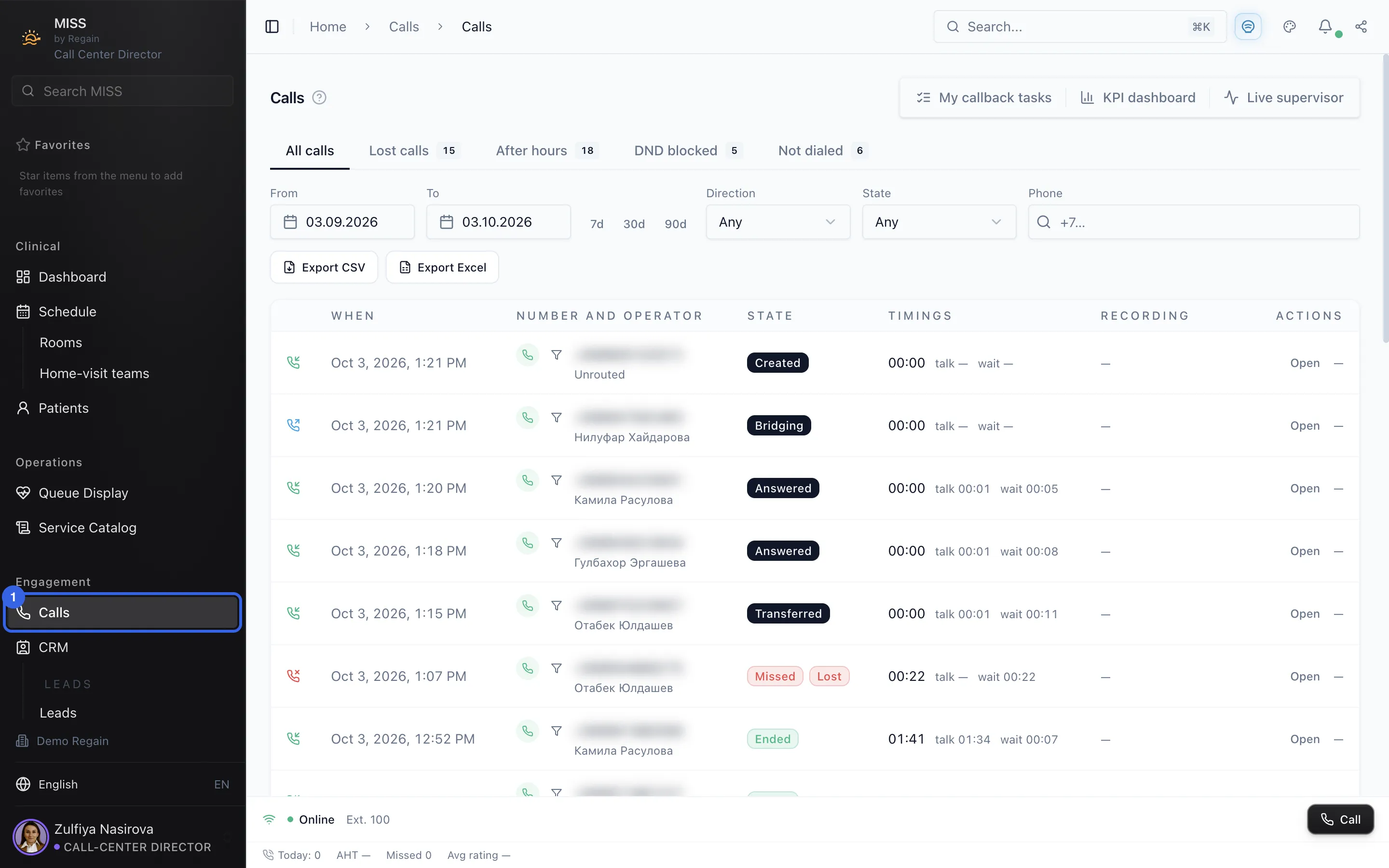
- Open Calls in the side menu.
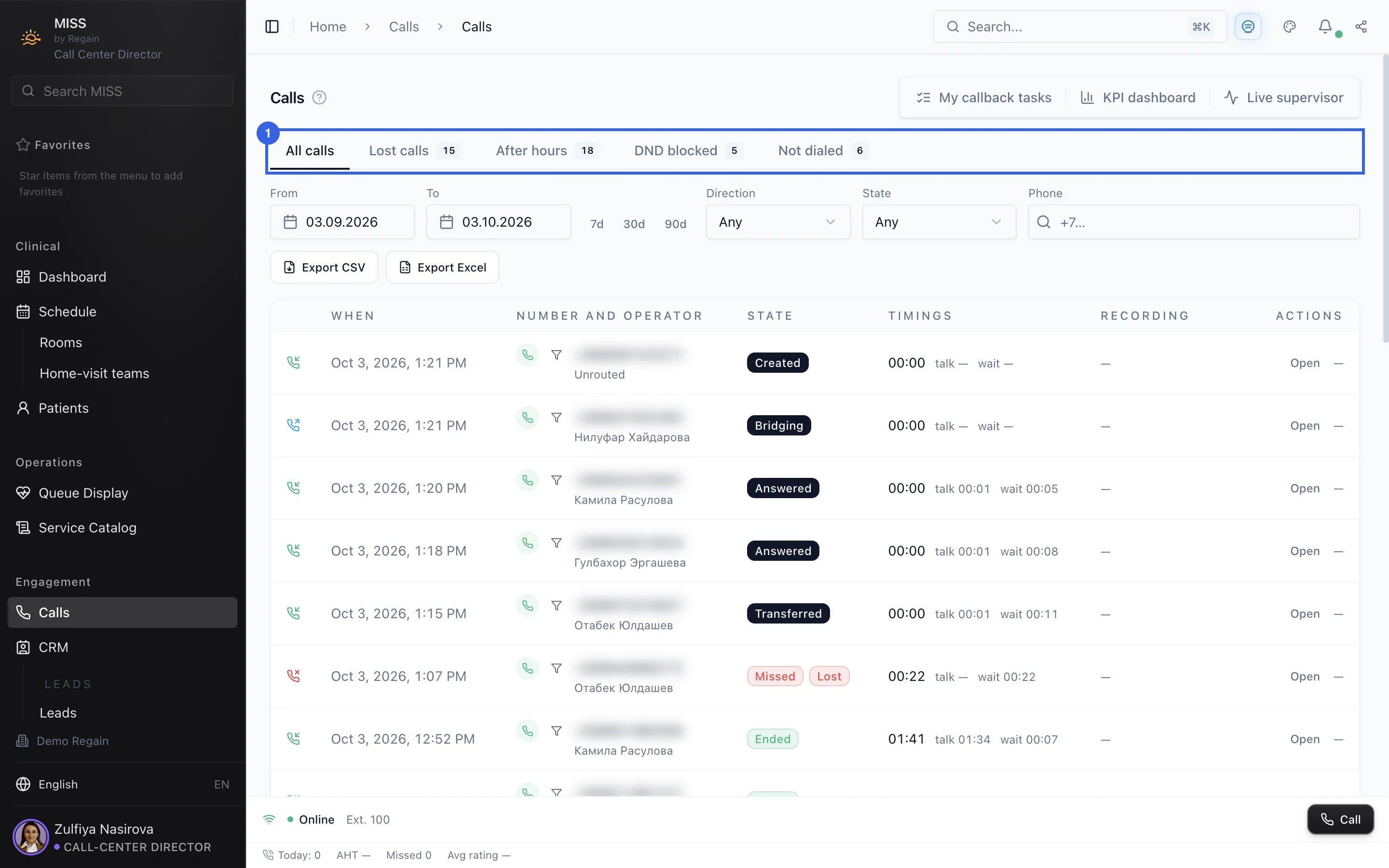
1 - At the top are the tabs All calls, Lost calls, After hours, DND blocked and Not dialed. Some of them show a number next to the name.
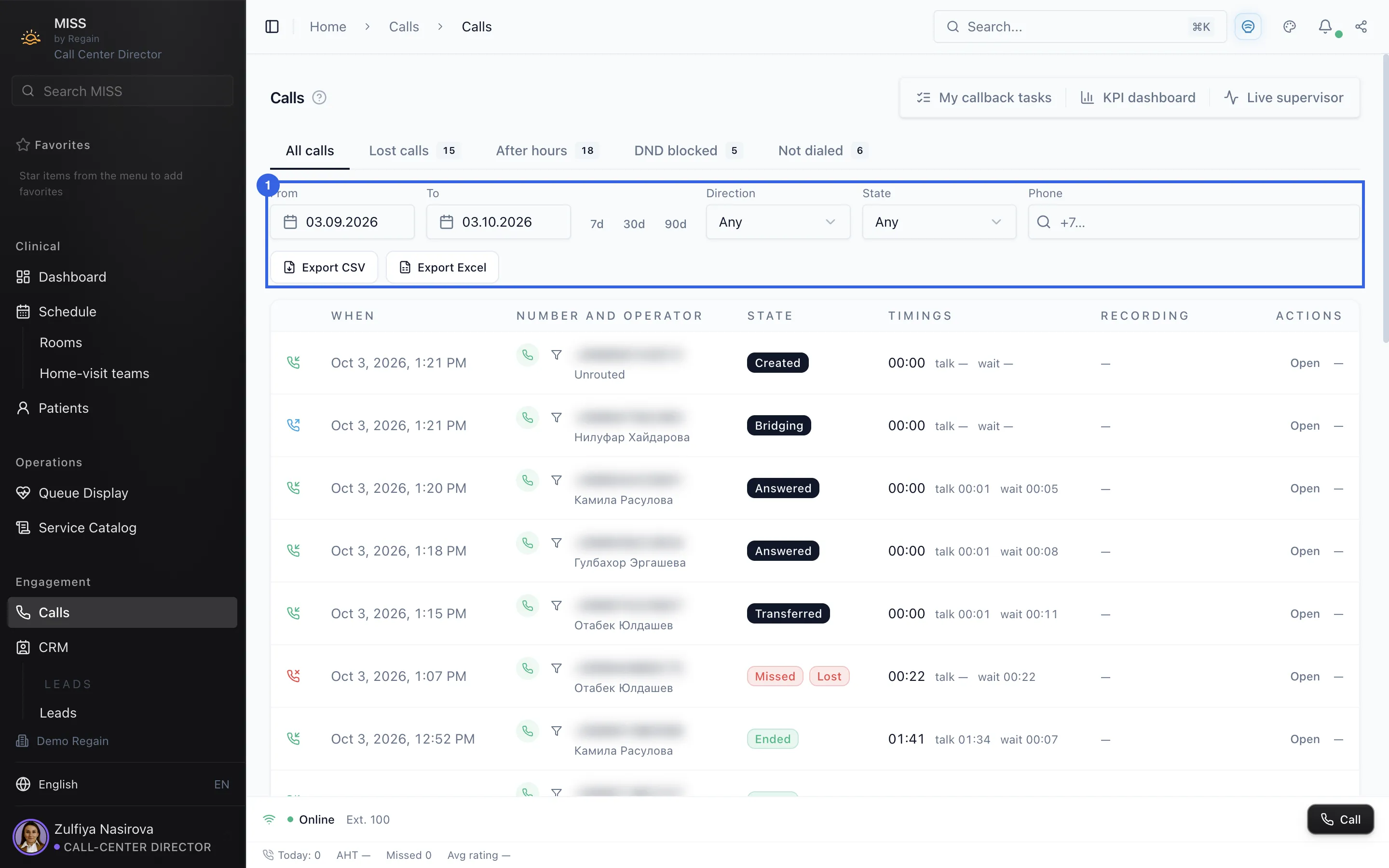
2 - Next to the From and To dates are the 7d, 30d and 90d buttons. Further down are the Direction, State and Phone filters and the Export CSV and Export Excel buttons.
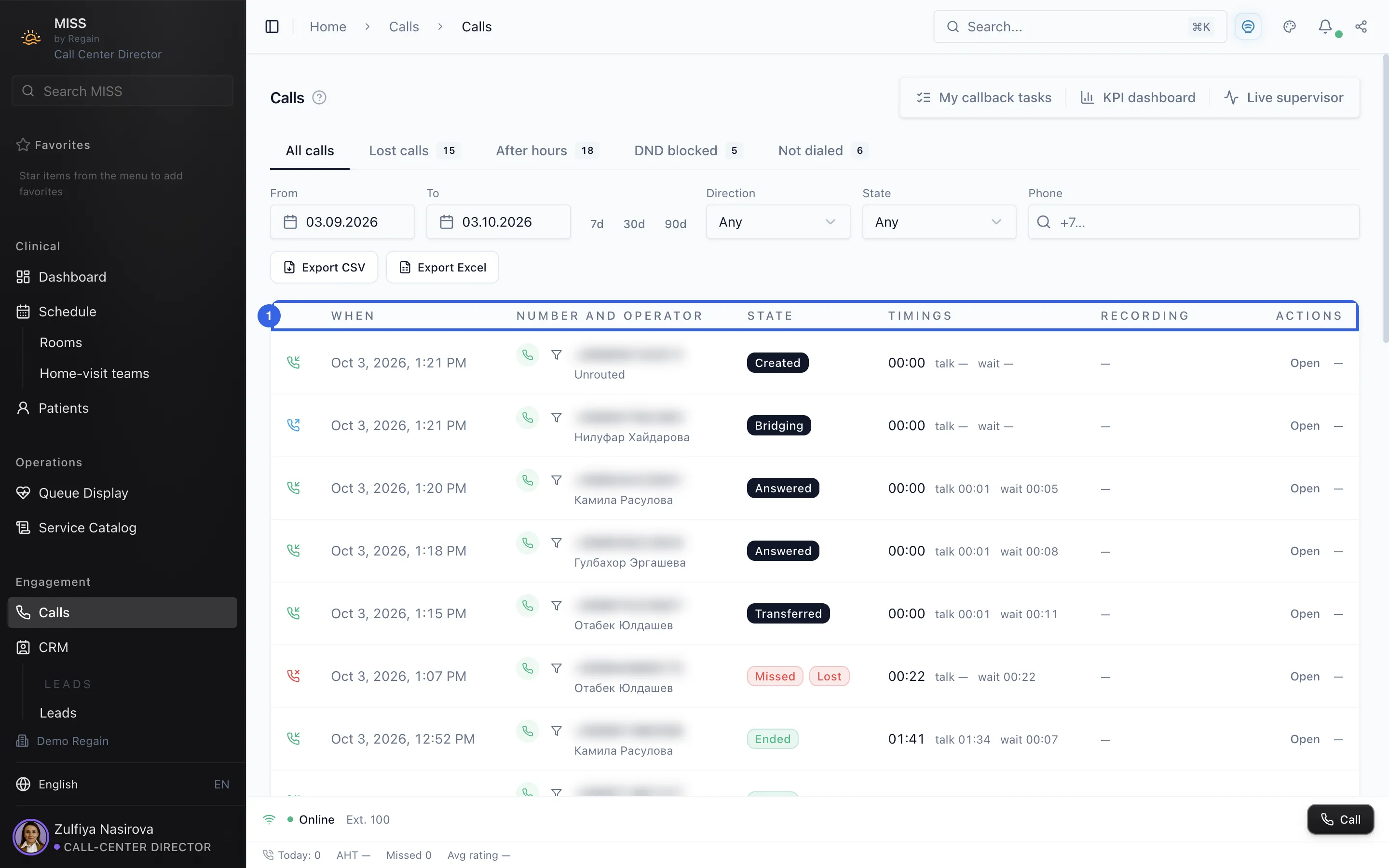
3 - Each row is one call: when it happened, the number and operator, its state, the timings, the recording and an Open action.
4
Screenshots captured on 2026-10-03