My callback tasks
See the callback tasks assigned to you and the receptionist queue.
This page lists callback tasks: missed calls to ring back, and calls to a patient that a reactivation script or a visit confirmation asks for. A call to a patient appears only when the patient's record has a phone number.
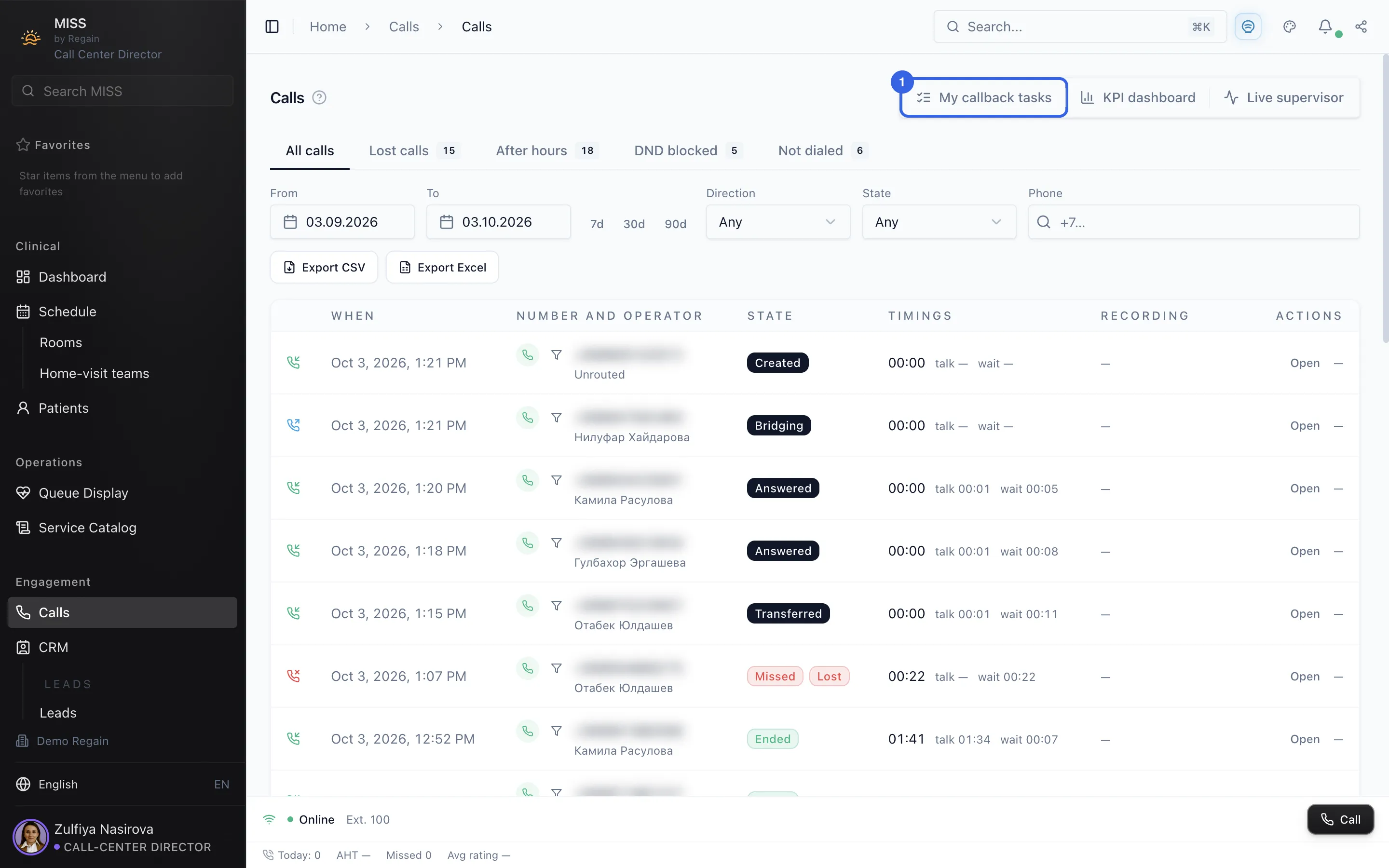
- On the Calls page, open My callback tasks (1) at the top right.
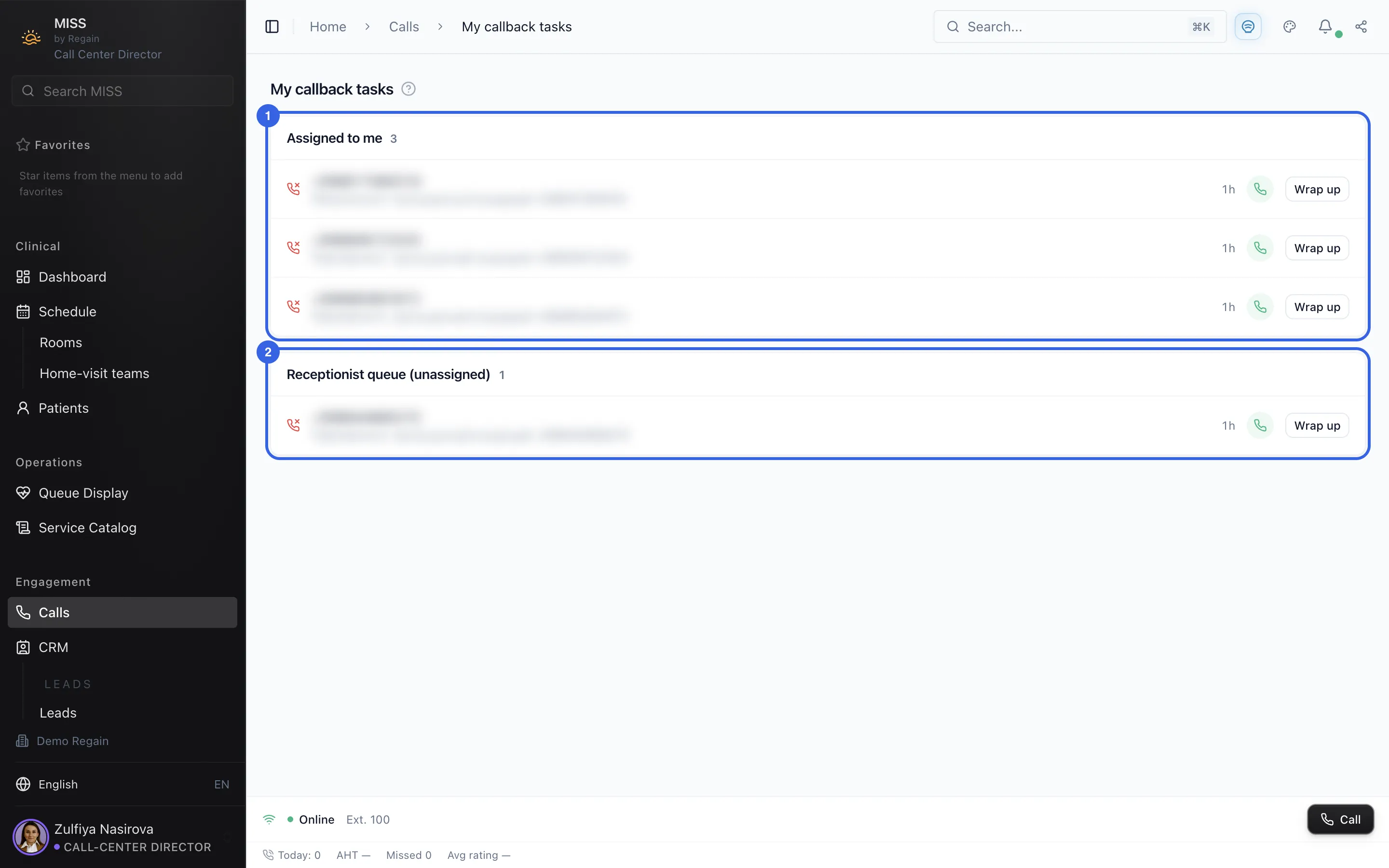
1 - The page has two lists: Assigned to me (1) and Receptionist queue (unassigned) (2). Each task shows a missed-call icon (a phone icon for a call to a patient), a short note, a time label such as 1h and two buttons.
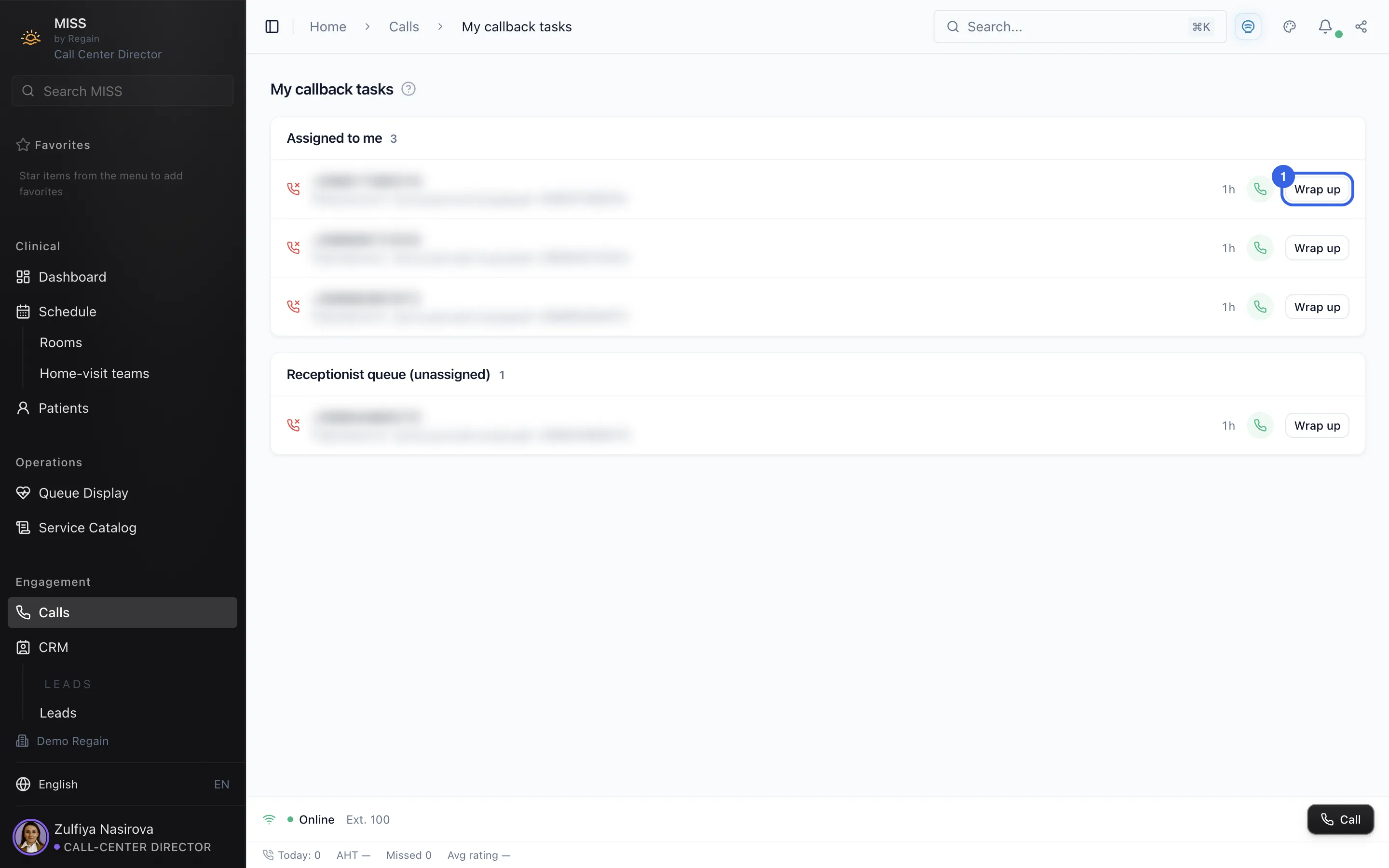
2 - Each task has a Wrap up button (1).
3
Screenshots captured on 2026-10-03